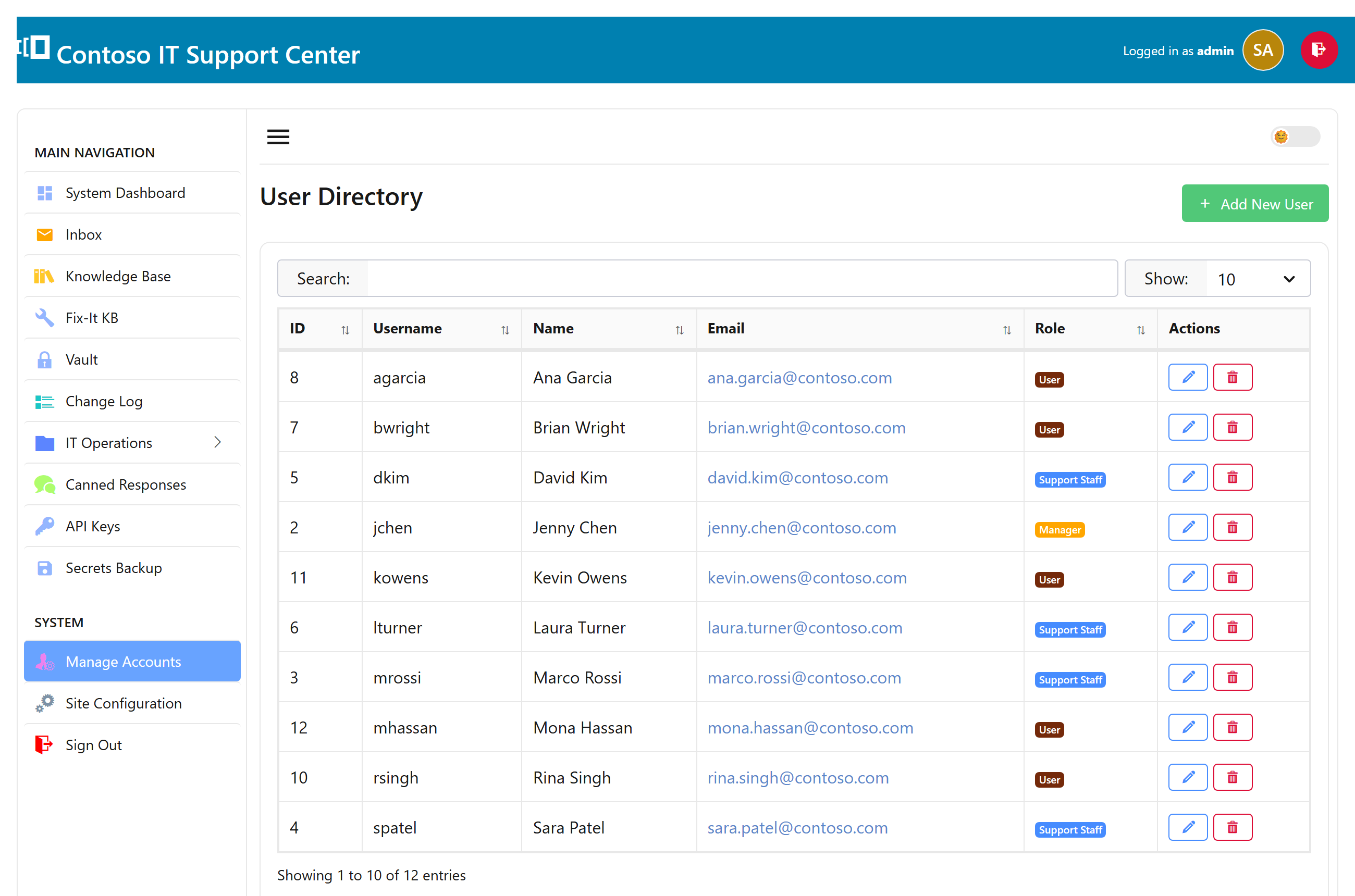
Roles
Every account has a role that decides what it can do:
| Role | Can… |
|---|---|
| Administrator | Everything, including Settings. |
| Helpdesk manager | See and work every ticket; department-scoped notifications. |
| Support rep | Work tickets in their department and their own assignments. |
| Customer | Open tickets and see their own. |
You set roles with checkboxes on the user, and the strongest one wins. One thing to remember: only accounts marked as a rep receive ticket notifications — so if an admin should get emailed about tickets, mark them a rep as well.
Rep seats by edition
The number of support-rep seats depends on your edition — the free Community edition includes one, and the paid editions add more (five, fifteen, or unlimited). Customers never count against seats, so you can have as many of those as you like. See Editions.
Departments & routing
Departments are the groups tickets route to — IT, Facilities, HR. Give each its own reps and, if you like, its own email address, so a message to facilities@… lands with the right team. A ticket can be reassigned between departments at any time.
Active Directory / LDAP
On a Windows network, people can sign in with the credentials they already use. SwanDesk looks them up in Active Directory, fills in their name and email, and creates their account the first time they sign in — no separate password to manage. Email that arrives from a known person is matched to their directory account automatically.