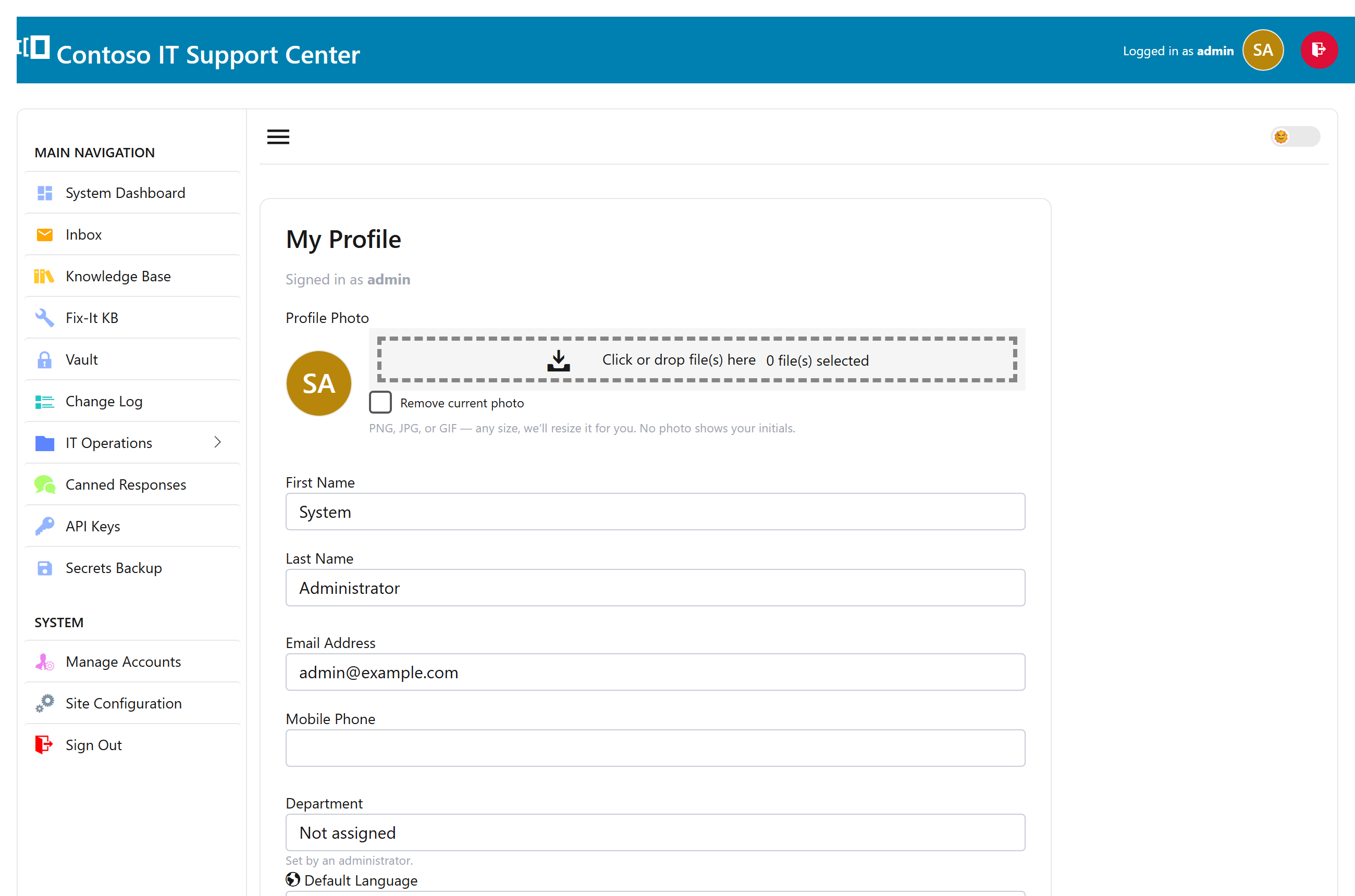
Your details
Open My Profile from the top of the page to manage your own account. Update your name, email, and phone, and upload a profile photo — if you don’t, SwanDesk shows your initials. Your department is set by an administrator.
Change your password
Set a new password in the same place — type it twice to confirm and save. If your account signs in through Active Directory, your password is managed by Windows, not here.
Interface language
Pick the language for your own view of SwanDesk. Leave it on Site default to follow whatever the administrator has chosen for everyone, or choose your own — it only affects you.
Vacation mode
Heading out? Turn on Vacation mode and SwanDesk stops assigning you new tickets and holds your notifications, so work routes to the people who are around.
While you’re on vacation, a banner across the top of every page reminds you — with a one-click Turn off vacation mode button — so it’s easy to switch back on your first day back.