Signing in
Staff and customers sign in with a username (or email) and password. If your organization runs Active Directory, people can sign in with their existing Windows credentials — see Users, roles & departments.
Two-factor sign-in
Turn on two-factor for an account and SwanDesk emails a one-time code at sign-in, on top of the password. It uses the same outgoing email you set up for tickets.
If outgoing email isn’t configured yet, SwanDesk skips the emailed code at login so nobody gets locked out waiting for a message that can’t be sent. Set up email first, then two-factor does its job.
Note: this is separate from the authenticator codes the Vault can store for shared logins.
Brute-force lockout
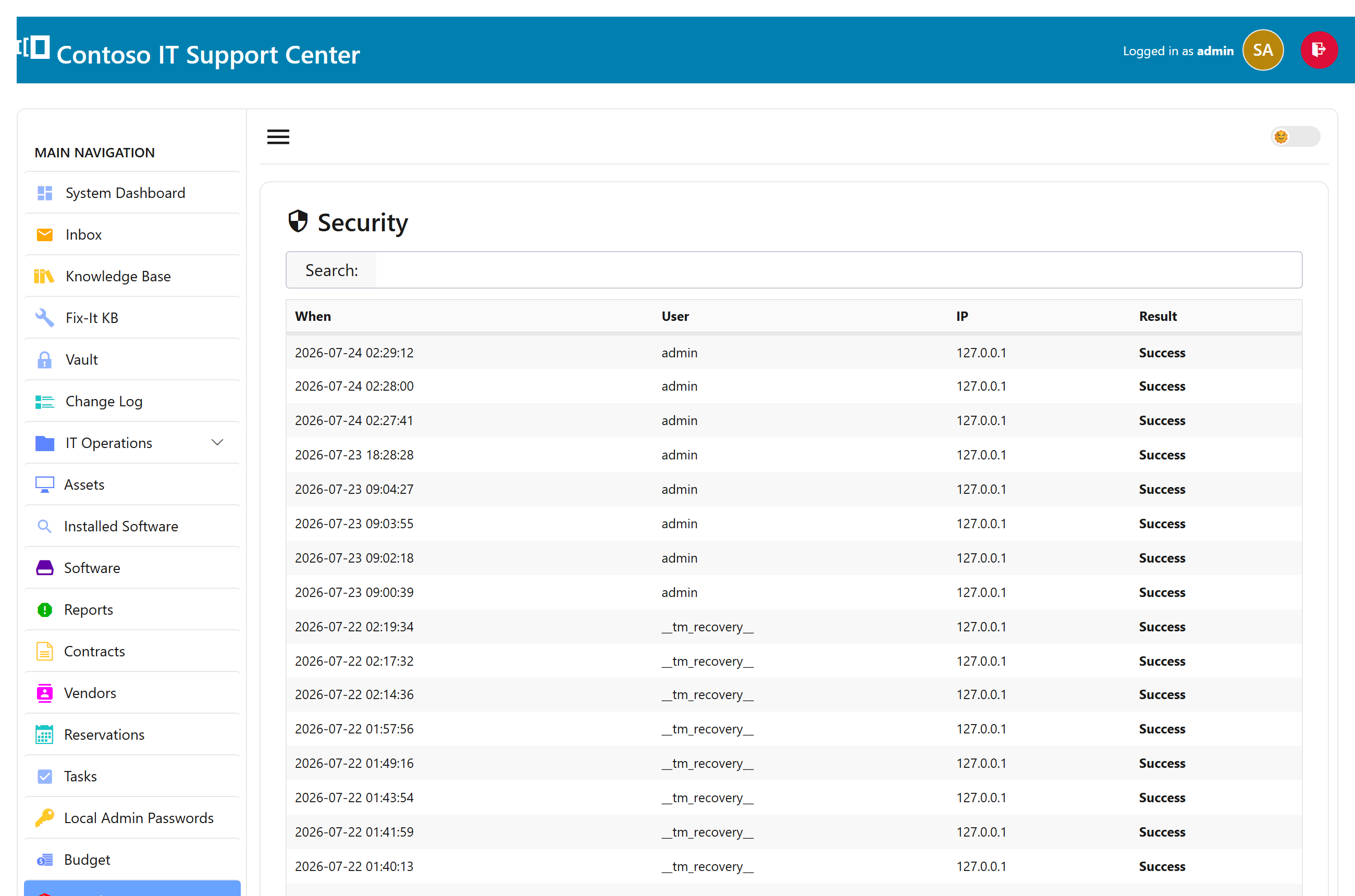
To blunt password guessing, SwanDesk locks an account after several failed attempts in a short window — by username and source address — for a cool-off period. It clears itself after the timeout, or an administrator can clear it immediately from the dashboard.
The recovery account
The one-time recovery account (used at first sign-in) is a safety net for emergency admin access. For safety it only works from the server itself — never over the network — so it can’t be used to break in remotely.