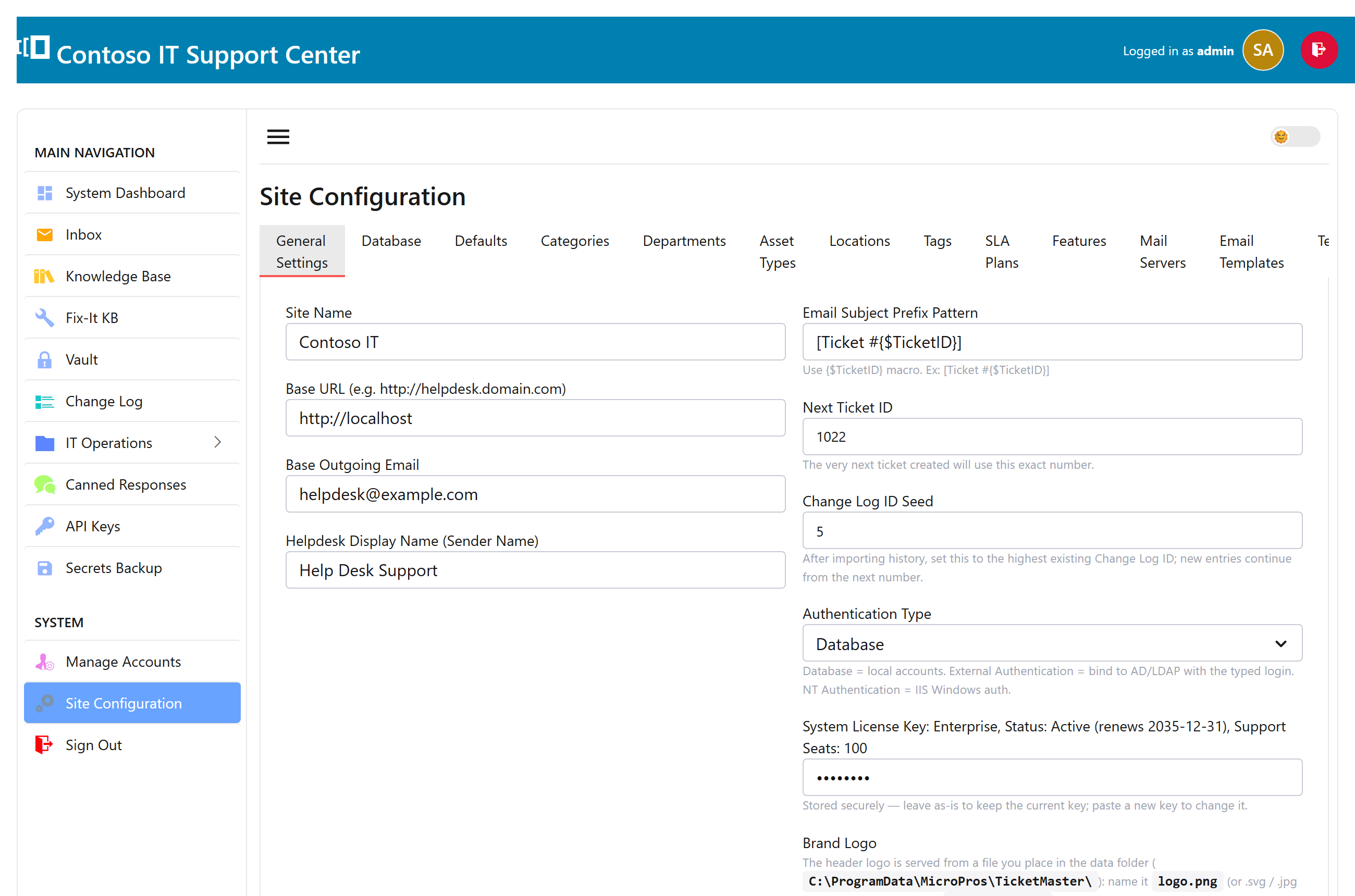
Branding
Make SwanDesk look like yours: set your organization name and upload your logo and favicon. Branding is open to every edition — your team and your customers see your name, not ours.
Departments, categories, SLAs
Shape how work is organized: create departments, ticket categories and tags, and SLA targets that put a due time on tickets. Save your canned responses here too.
Email & notifications
Connect your support mailbox and, on Enterprise, tailor the wording of the automated emails. The details are in Email ticketing and Notifications & templates.
Features & license
Paste your license key to unlock your edition’s features — see Editions & licensing. This is also where you generate API keys for the REST API on Enterprise.
Data & maintenance
After you upgrade, run Update schema here if you deploy by copying the program rather than the installer, and set up the encrypted backup. See Updates, backups & maintenance.