Discover the network
Instead of adding every device by hand, let SwanDesk find them:
- SNMP sweep — scan a range of IP addresses (SNMP v1/v2c) to pick up switches, printers, and other network gear and pull them into your inventory.
- Windows (WMI) — read the installed software off your Windows machines to feed the software inventory.
Discovery is an administrator task and part of the paid editions.
The Network Map
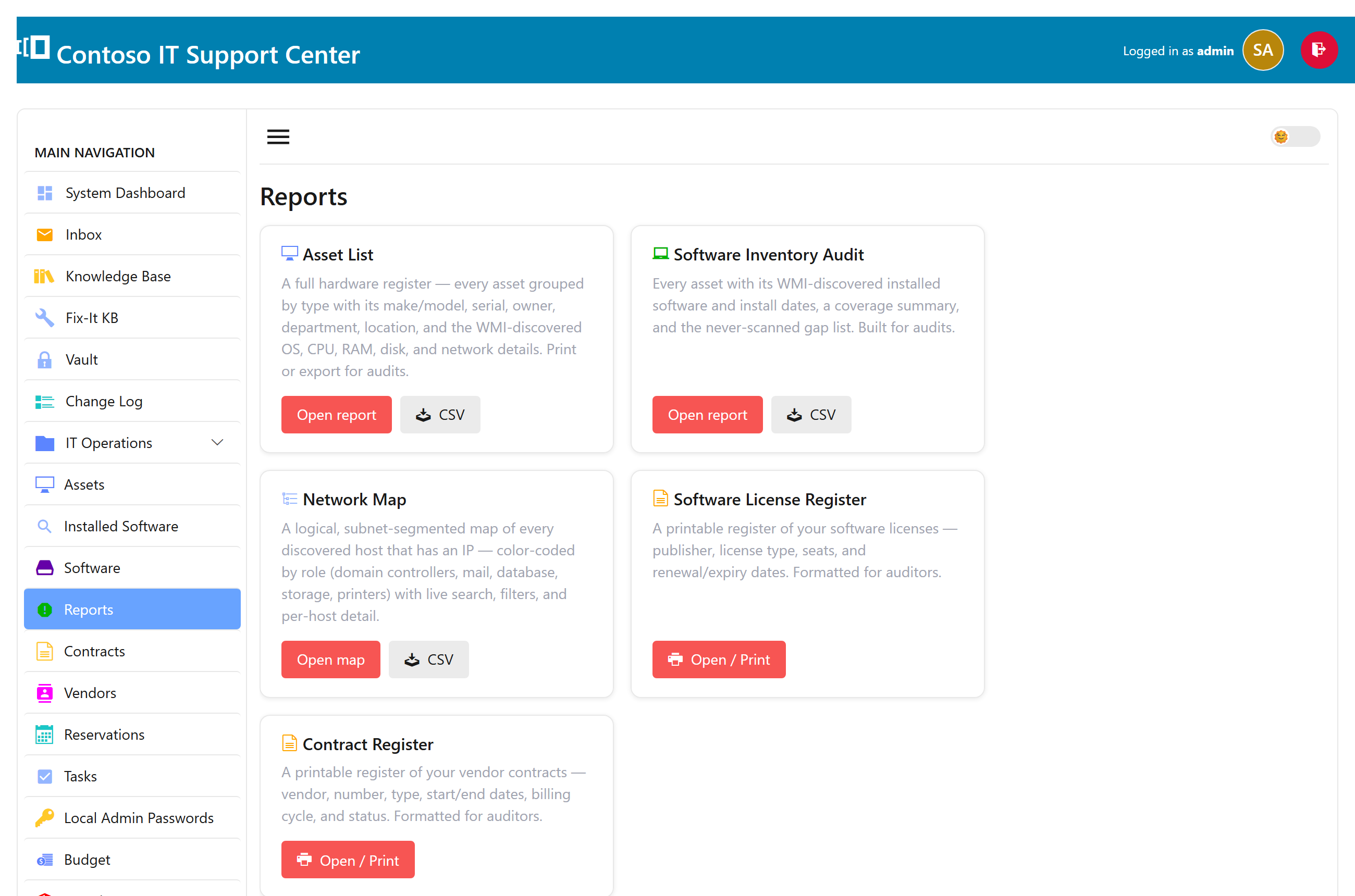
Reports → Network Map lays your hosts out by subnet, with each device shown as a chip colored by its role and a legend you can click to filter. It’s a quick picture of what’s on the network — and you can export it to HTML or CSV, or print it.
The Reports hub
The Reports section gathers these together — the software audit and the network map — in one place for staff on the paid editions.