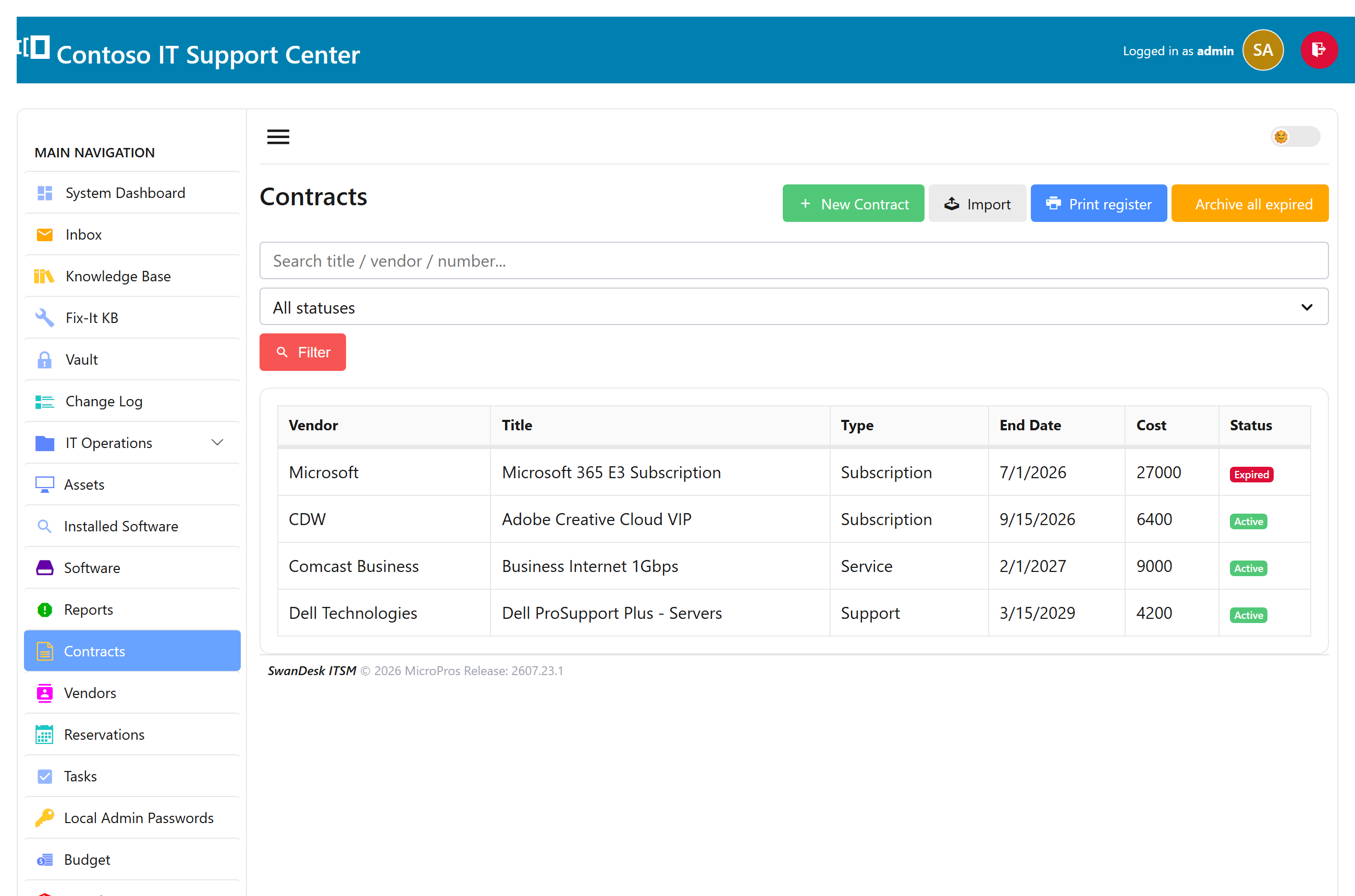
Contracts & vendors
Keep your support, maintenance, and license contracts in one place — each with its vendor, start and end dates, cost, notes, and any attachments (drop in the signed PDF or the confirmation email). Vendors are a shared list, so you pick one from a dropdown instead of retyping it.
Add a contract
- Open Contracts and choose New contract.
- Pick the vendor (or add one on the spot), set the dates and cost, and attach any documents.
- Save — the contract now counts toward your renewals watch.
Renewals & the dashboard
SwanDesk watches end dates for you. The dashboard shows a renewals widget for anything due in the next 90 days, tinted by urgency, and each contract carries a status badge — Active, expiring soon, or Expired — so nothing lapses unnoticed.
Archiving expired contracts
When a contract ends, archive it rather than delete it — it drops out of your active list but stays on record. You can archive one at a time, or archive all expired contracts at once, and switch to the Archived filter to look back.