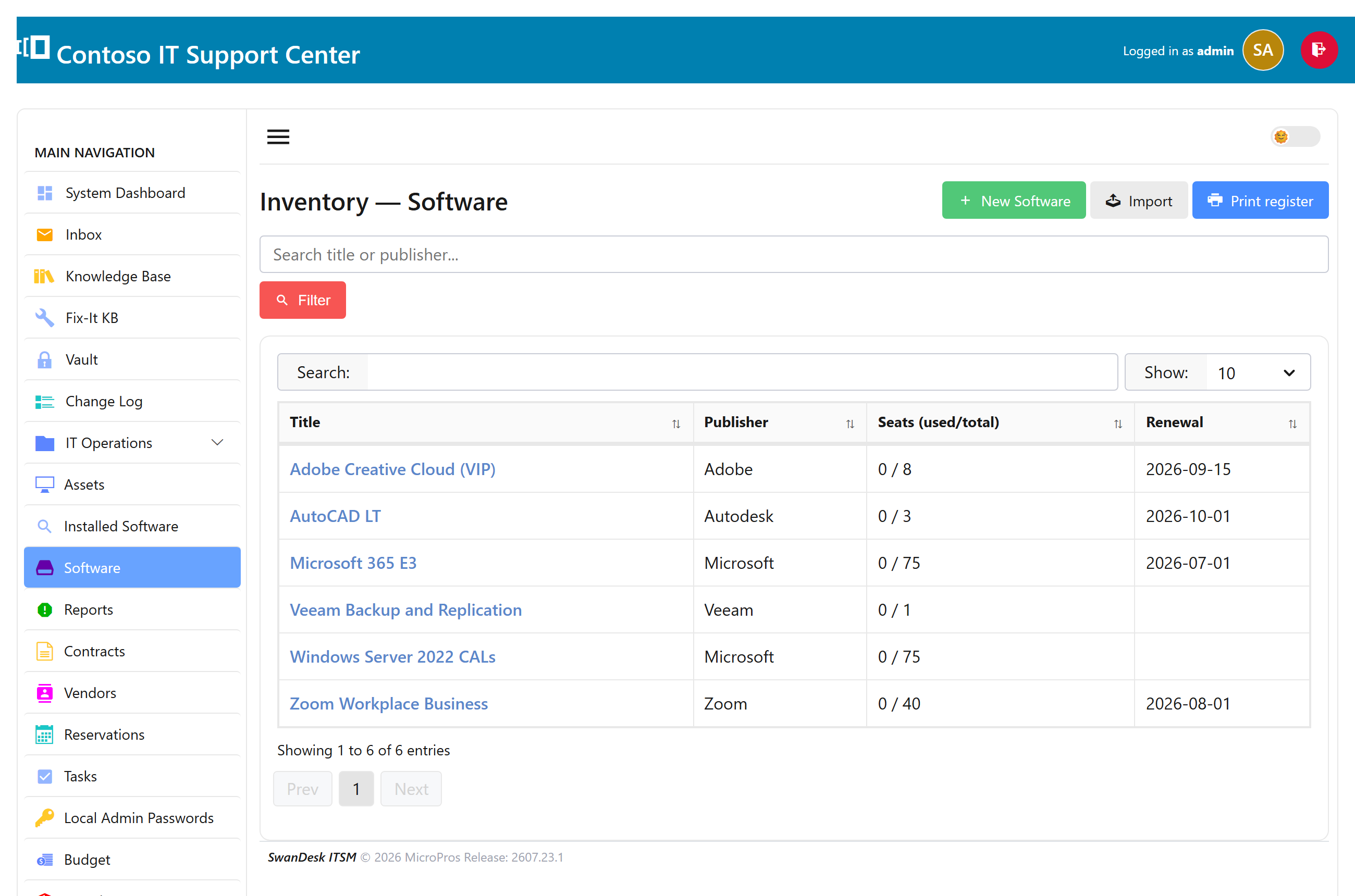
Software inventory
Track the software you own alongside the hardware: titles, versions, license keys, and how many seats each license covers. It answers the questions auditors and renewals ask — “what do we own, how many seats, and where are the keys?”
Import software & keys
Rather than type everything in, paste or upload a license report (the Microsoft VLSC layout is understood out of the box). SwanDesk creates one record per title and is idempotent — re-importing updates the same records instead of duplicating them.
- Multiple keys for the same title are accumulated, one per line.
- Seat counts are read from the license summary.
License keys & seats
Keys are hidden by default. Click reveal to show them inline, copy an individual key with one click, and they mask themselves again after a few seconds. Each title shows how many seats it has and how they’re allocated.
Software audit report
The Reports → Software audit page rolls your titles, versions, seats, and keys into one view you can print or export — the report to hand an auditor or a manager at renewal time. See Reports & the network map.